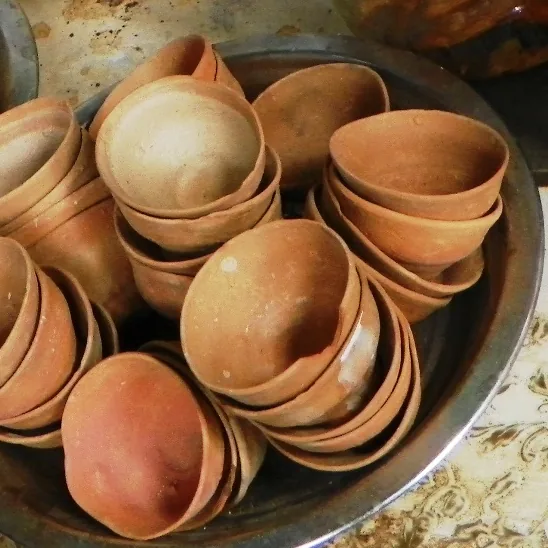
Clay kulhad cups stacked at a chai stall in Kolkata.
01 · Face to face
Met at the chai stall. Connected before it cooled.
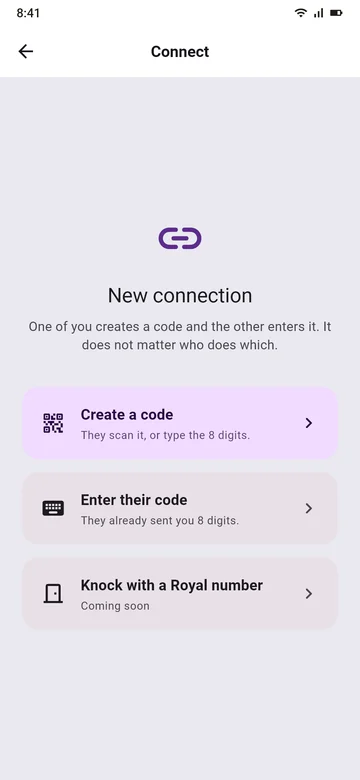
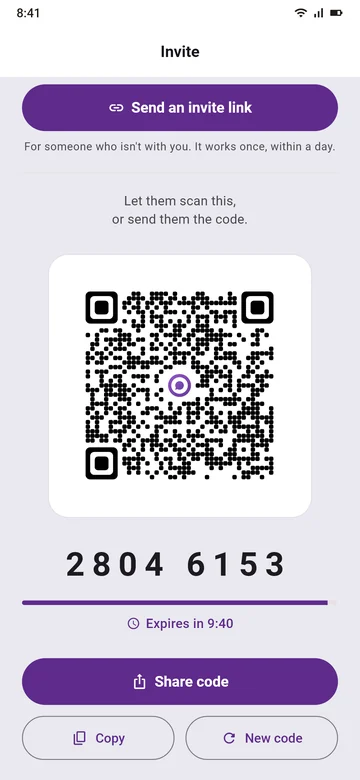
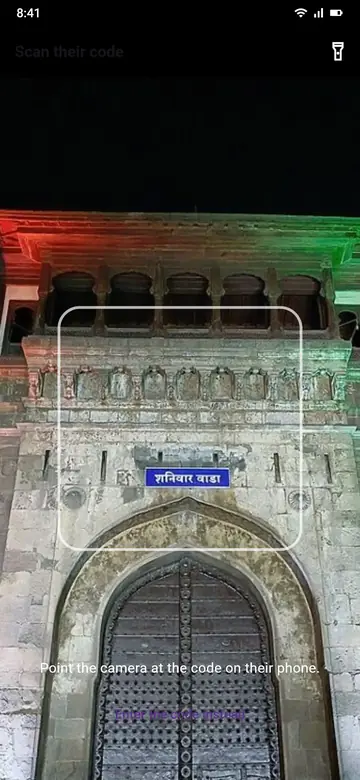
Arnab taps +, then Create a code. Priyanka points her camera at his screen. That's it: no number said out loud, no "spell your name".
1Arnab taps +
2Create a code
3Priyanka scans it
7:40 pm · a call after work
A woman on a phone call on a rooftop at night.
02 · No camera
Camera cracked? Say eight digits.
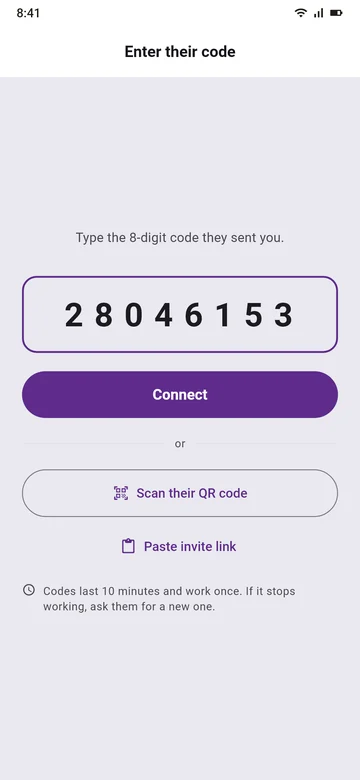
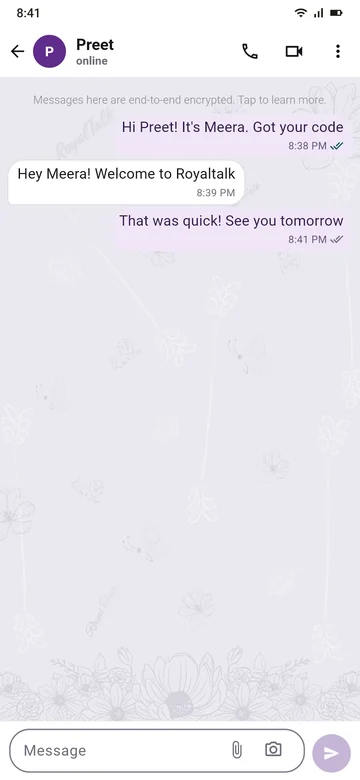
Preet's camera is cracked, so Meera reads her code out on the call. Preet taps Enter their code and types the 8 digits. A code lasts 10 minutes and works once.
1Meera reads it out
2Preet types 8 digits
3Connected
7:05 pm · flying to a new city
A plane wing at dusk, seen from the window.
03 · Far away
New city, same people. Send a link.
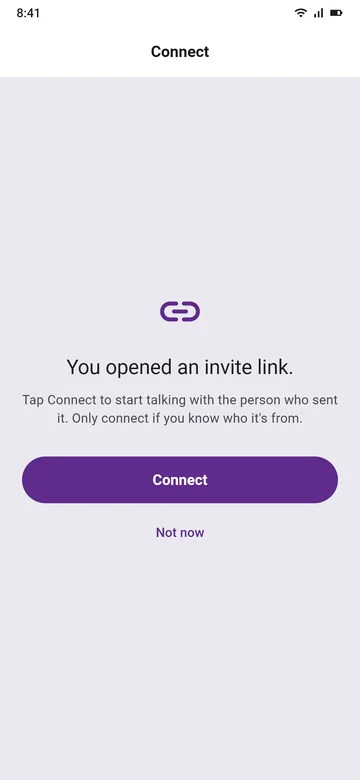
Aarav moved for his new job. Karthik sends him an invite link, in any chat app or an SMS. It works once, within a day. Whoever opens it first can connect, so send it only to him.
1Karthik sends a link
2Aarav taps Connect
Your number stays yours.
Nobody sees it. People you're connected to see the name they saved for you, and your About. Never your number. No need to post it in a bio, a comment or a class list.
Strangers can't reach you. Nobody can look you up or message you by your number. Only people you connect with, by QR code, code or link, can reach you. Too many buzzes from someone? Turn buzzes off for that person.
One SIM, one account
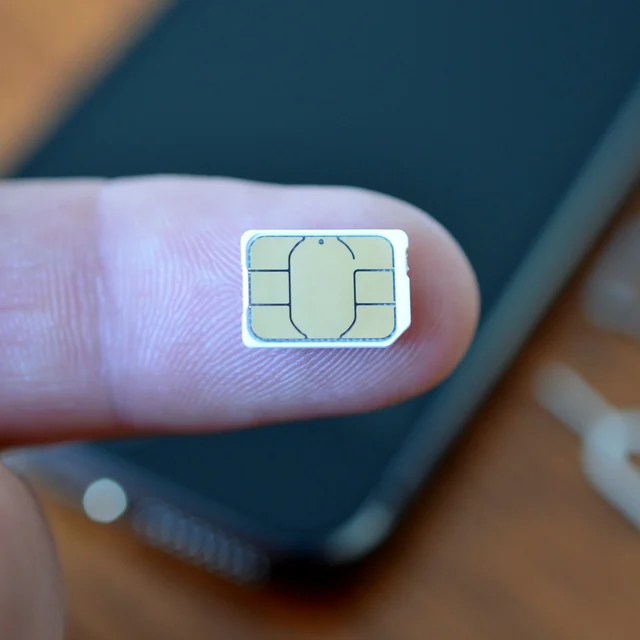
A SIM card on a fingertip, beside a phone.
04 · Your SIM
Your account lives with your SIM.
Your account opens only on the phone that holds your SIM.
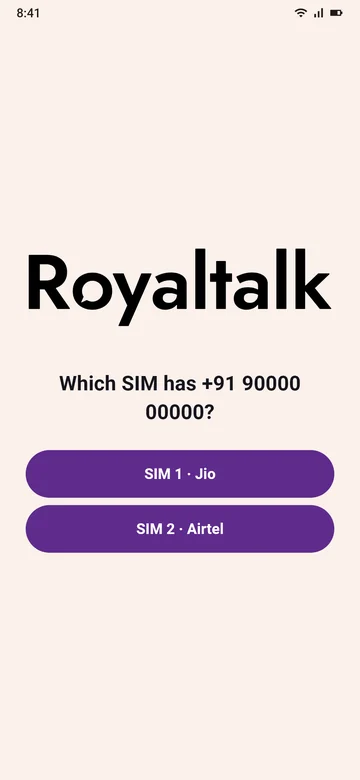
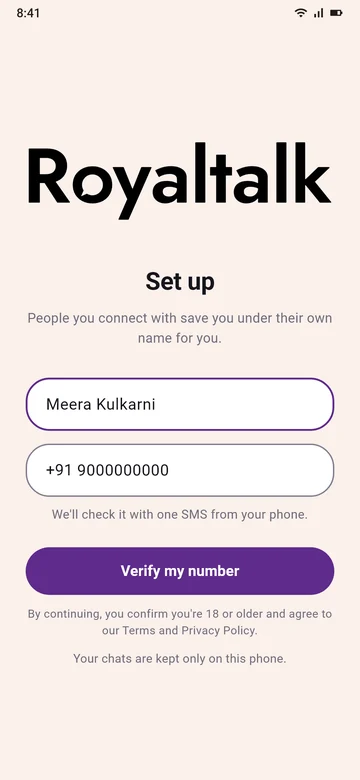
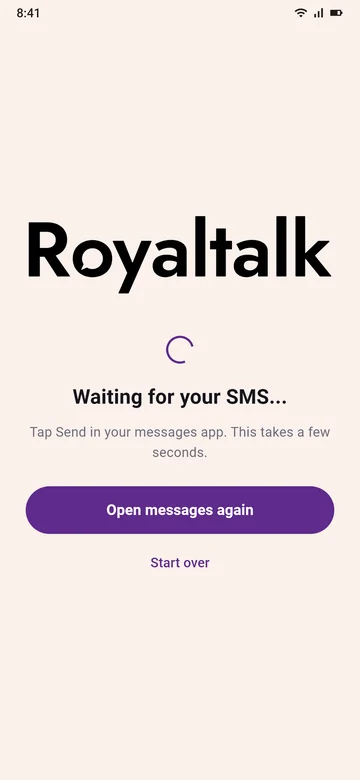
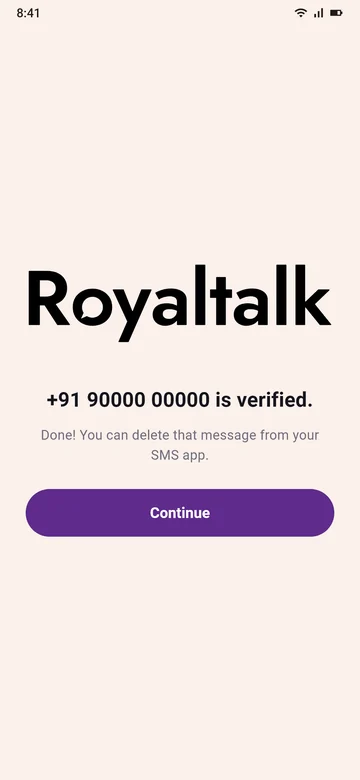
You send one SMS to check your number. No OTP to type.
New phone? Verify the same number, and your people come back.
SIM out of the phone? Your account doesn't open there.
1Pick your SIM
2Verify my number
3Send one SMS
4Verified
An old door in Kolkata
An old blue door in Kolkata, standing open.
Coming soon
Give out a Royal number. Keep your phone number.
For the artist with a following, the new colleague, the friend of a friend: share a Royal number, never your phone number.
1Preet shares her Royal number on her art page.
2Arnab types it in and knocks.
3Preet sees who knocked: his name, a short line and their mutual connections.
4She chooses Accept or Decline. Nothing reaches her before that.
"Knock on someone's Royal number to ask to connect. They choose Accept or Decline."
 1Arnab taps +
 2Create a code
 3Priyanka scans it