
One SMS, and you're in.
No code to read. No code to type.
Seven steps

01Get the app.
Open royaltalk.in/get on your Android phone and tap Download. Open the file. If Android asks, let your browser install apps. This is only for the browser, and only once.
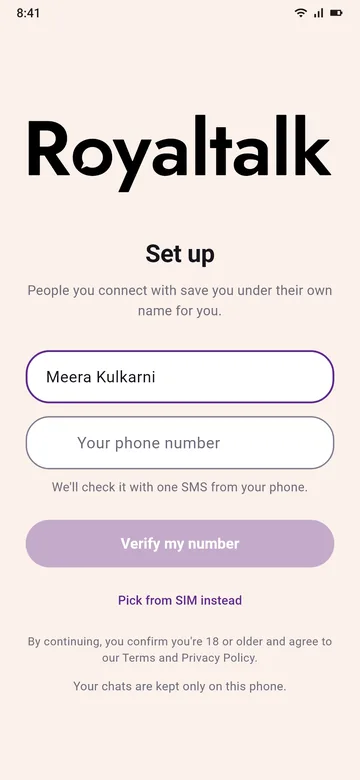
02Your name.
Type your name. You can change it later in Settings. People you connect with save you under their own name for you.
Under it, the set-up says: "By continuing, you confirm you're 18 or older and agree to our Terms and Privacy Policy."
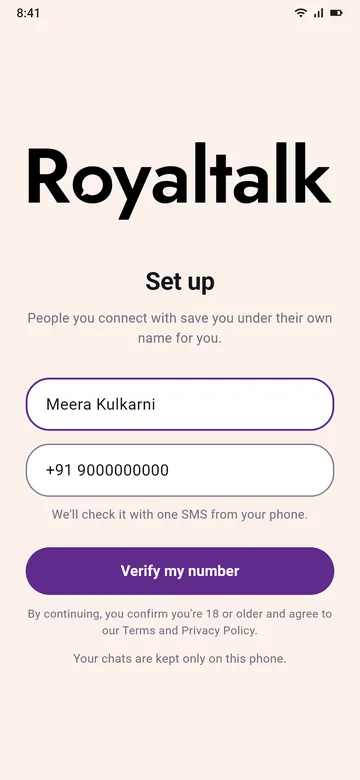
03Your number.
Type your 10-digit Indian mobile number. Two SIMs? Pick the one you'll use with Royaltalk.
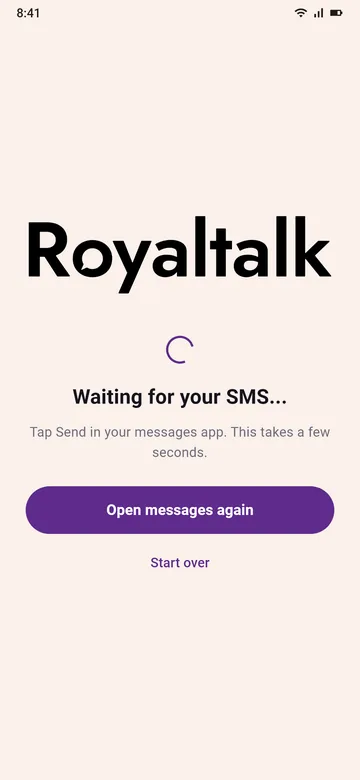
04One SMS.
Tap Verify my number. Your own SMS app opens with the message already written. Tap Send. That SMS is the check, so there's no code to wait for or type.
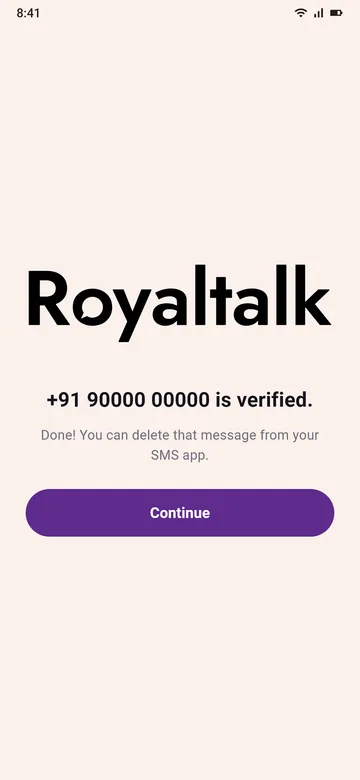
05Verified.
Done in a few seconds. Make a PIN of 8 to 12 digits to keep your account yours, or skip it for now. You can delete that SMS.
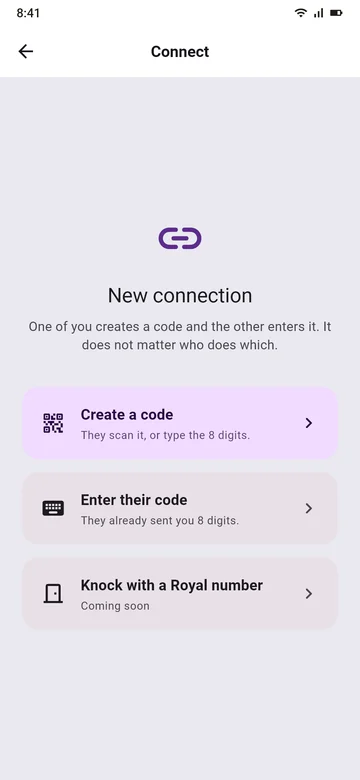
06Add someone.
Tap +. Together? Create a code, or scan theirs. Far away? Send an invite link in any chat app you use.
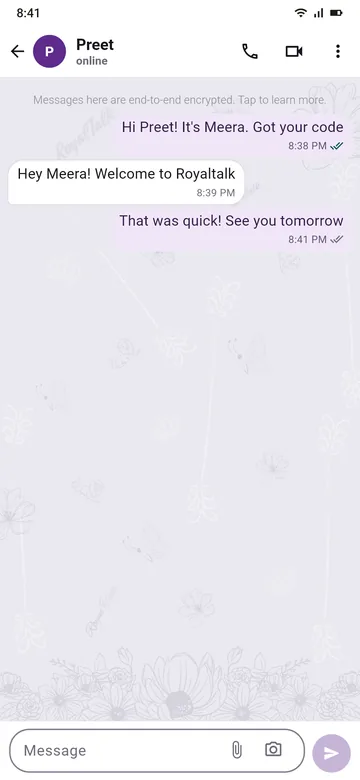
07Say hi.
Then buzz them, or write a letter for later.
Good to know
Royaltalk works with the SIM you verified. If that SIM is taken out, the app waits, with nothing deleted, until it's back.
Royaltalk is on Android for now.
It's for Indian (+91) mobile numbers.

Say hi to your people.
Free. Made in India. Two minutes to set up.
Coming to Google Play too.
Only download Royaltalk from royaltalk.in.