
Chapter 1 · Talk
For every "reached home?" and every "miss you".
Messages, photos, a buzz, a letter for later. All end-to-end encrypted, on your phone.
Swipe for six ways to talk
Features
Everything it does today, one swipe at a time. And what's next, right after.
Chapter 1 · Talk
Messages, photos, a buzz, a letter for later. All end-to-end encrypted, on your phone.
Swipe for six ways to talk
01 / 13 · Messages
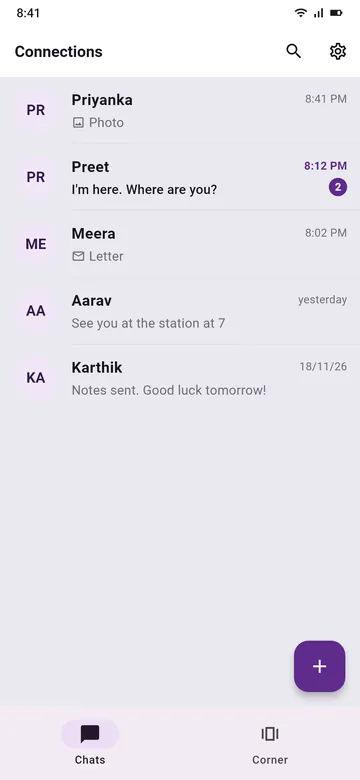
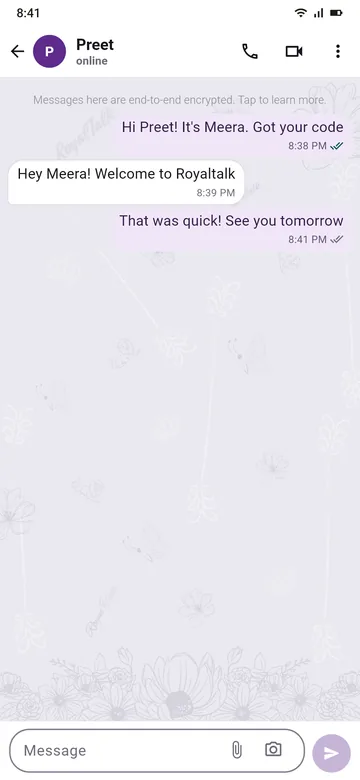
Messages are end-to-end encrypted. Ticks show when a message has left, arrived and been read, and a read message turns peacock green.
Made a typo? Edit it. Wrong chat? Delete it for everyone.
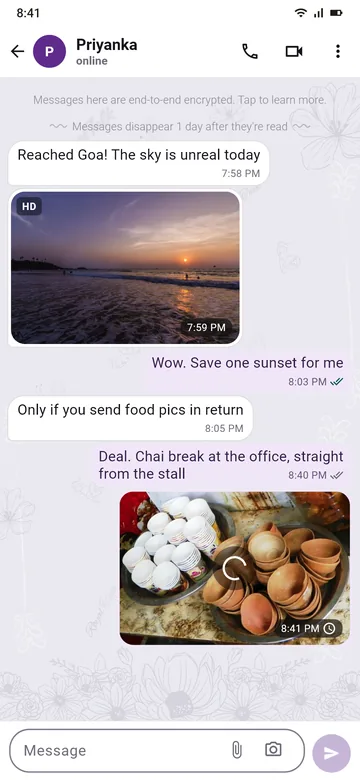
02 / 13 · Photos
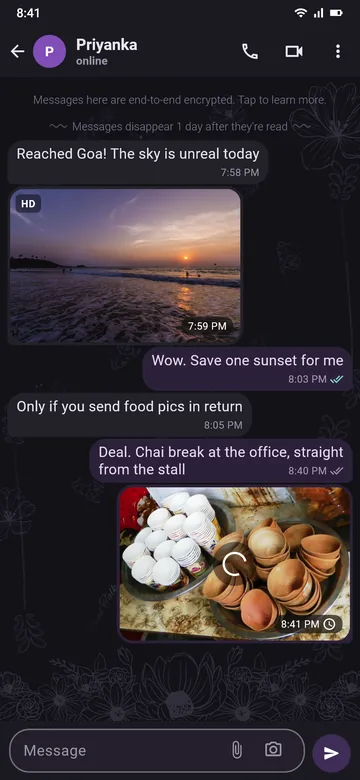
Photos are end-to-end encrypted, like your messages. Each one is sized to look sharp and stay light on both phones. A sharp one gets an HD mark.
Photos travel on their own, so the chat never waits.
03 / 13 · Disappearing messages
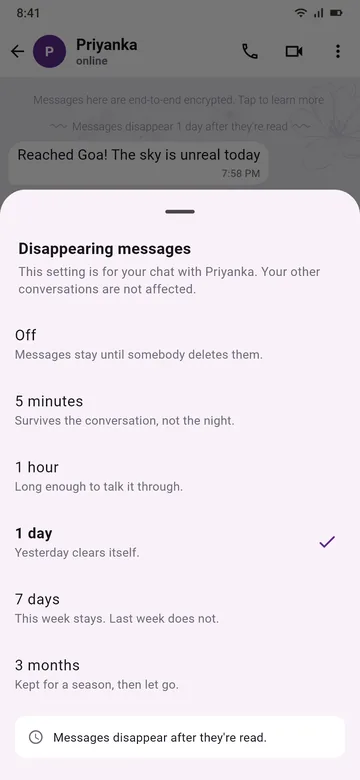
Pick a time for a chat: 5 minutes, 1 hour, 1 day, 7 days or 3 months. Messages disappear that long after they're read, on both phones.
Both of you see the setting, so nobody is surprised.
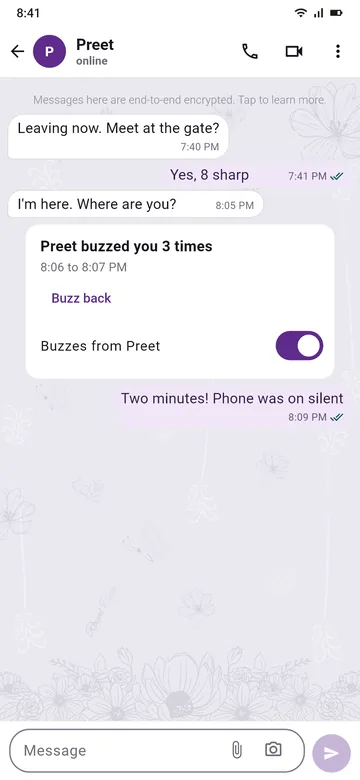
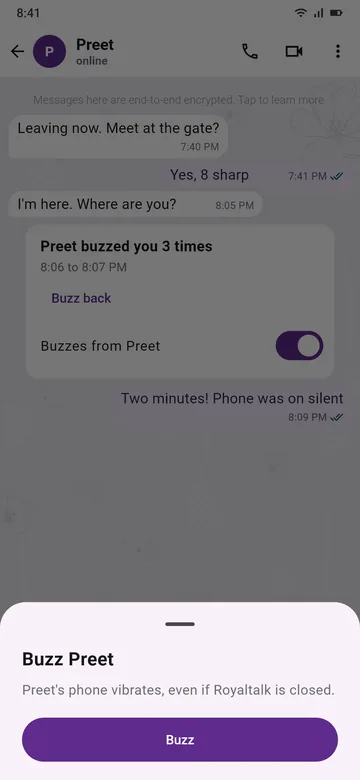
04 / 13 · Buzz
One tap and their phone plays Royaltalk's own rhythm, even when the app is closed. It says 'thinking of you' without a word. In silent mode it only vibrates.
Up to 100 buzzes a day between two people. Anyone can turn buzzes off for a person.
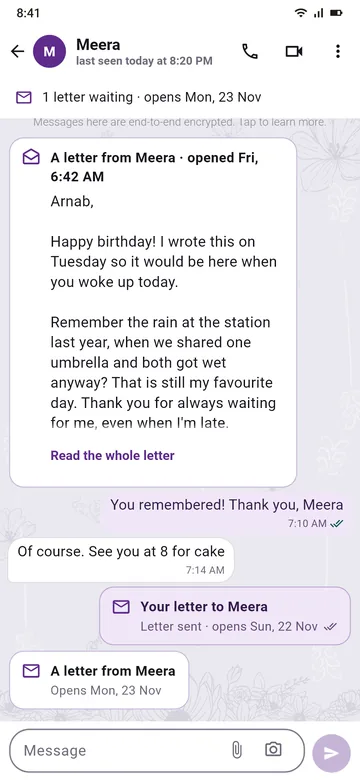
05 / 13 · Letter for later
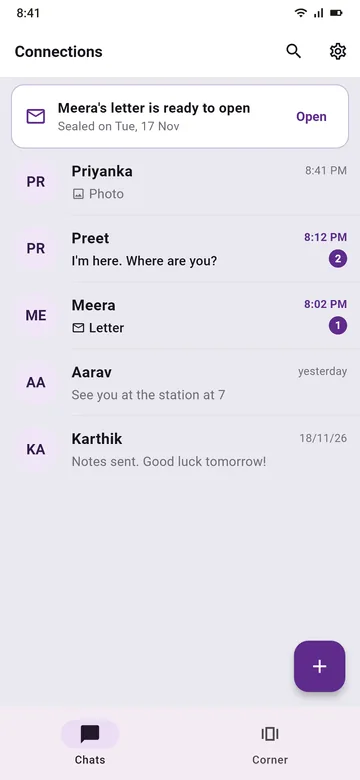
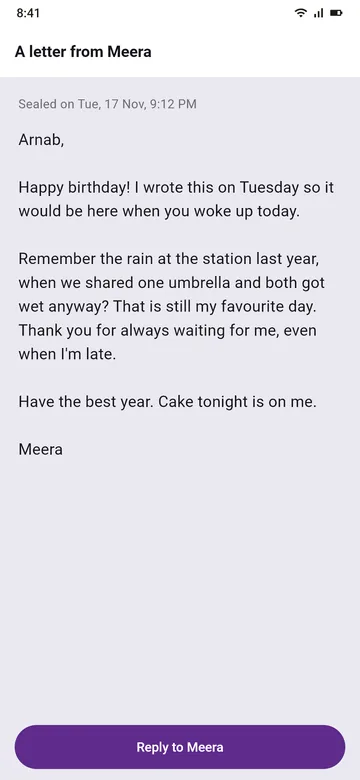
Pick a day up to 3 days ahead. The letter reaches them now, as a sealed envelope, and it stays sealed on both phones until it opens. On the day, Royaltalk reminds them inside the app.
Exam on Friday? Write the good-luck note tonight.
06 / 13 · Alerts on a closed phone
Messages arrive even when Royaltalk is closed. The alert says '1 new message': never who, never what, so a glance at your lock screen tells nobody anything.
A buzz makes a closed phone vibrate.

Chapter 2 · Connect
Classmates, a new team, the cousin you met at the wedding: connect by a code or a link, not by your phone number.
07 / 13 · Connect
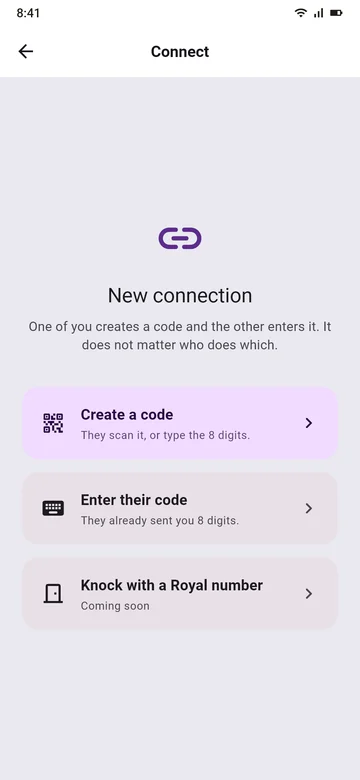
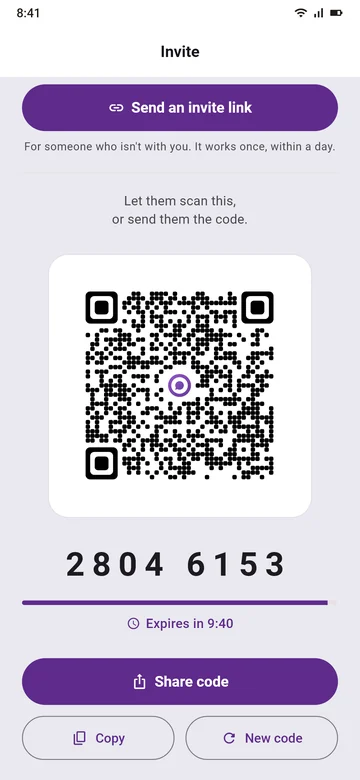
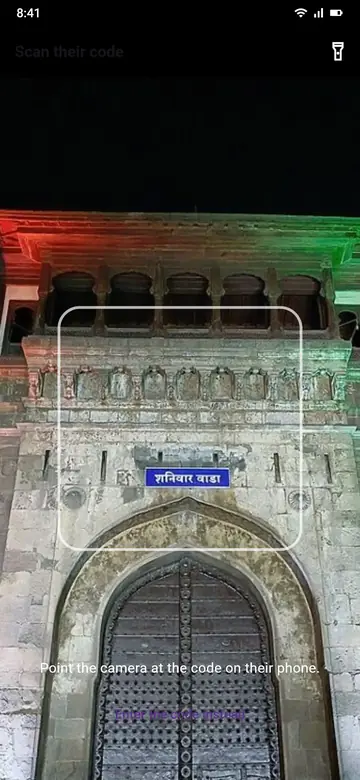
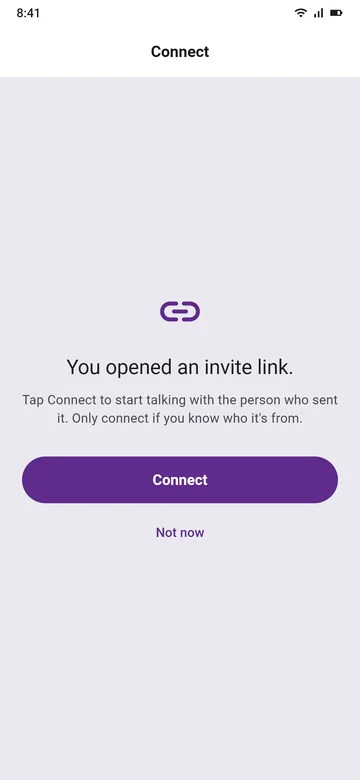
Show your QR code or an 8-digit code: it lasts 10 minutes and works once. Or send an invite link: it works once, within a day. Nobody can look you up by your number.
Whoever opens your link first can connect, so send it only to them. See all three ways

Chapter 3 · Your account
One SMS checks your number. Your account stays with your SIM, and it stays yours.
Swipe for the six things that keep it yours
08 / 13 · One SMS sign-up
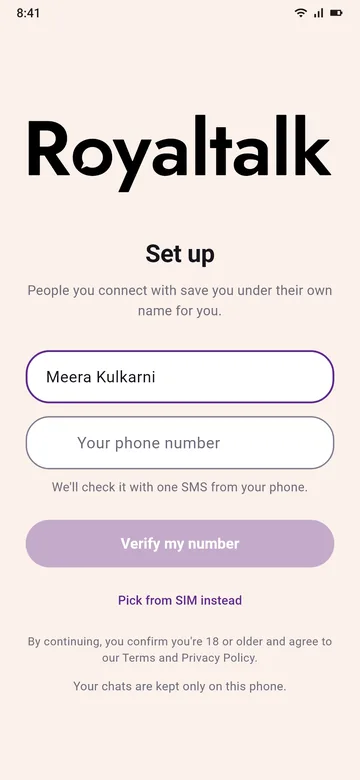
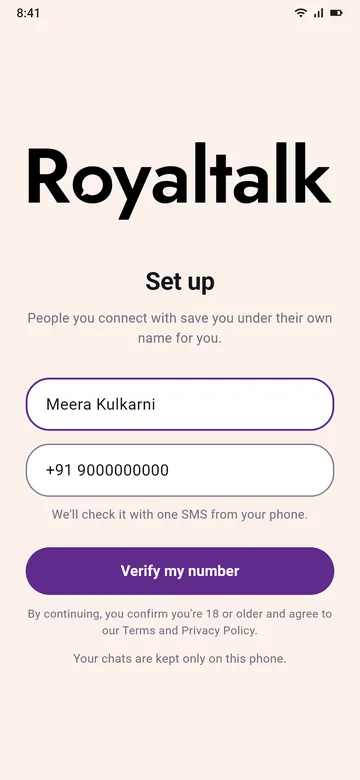
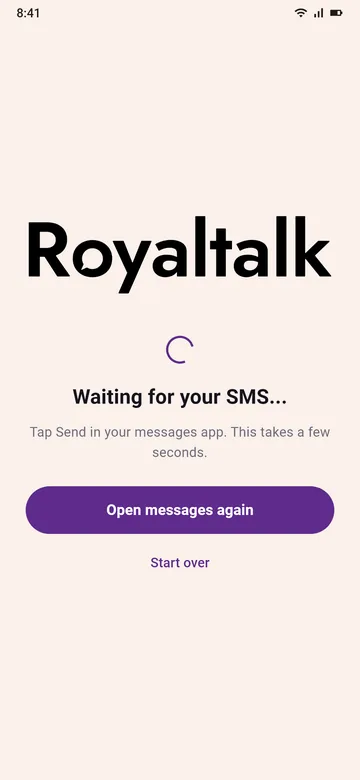
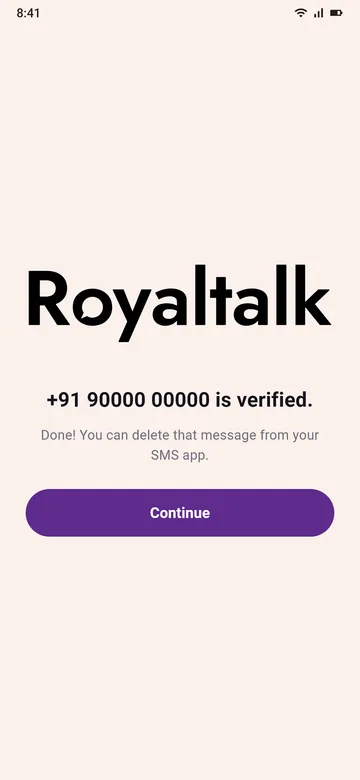
Royaltalk opens your own SMS app with the message ready. You tap Send, and your number is checked. The people you talk to never see it.
One normal SMS, at your plan's usual rate.
09 / 13 · Lives with your SIM
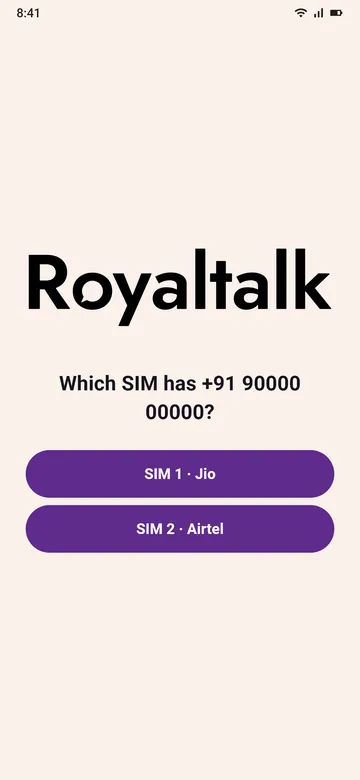
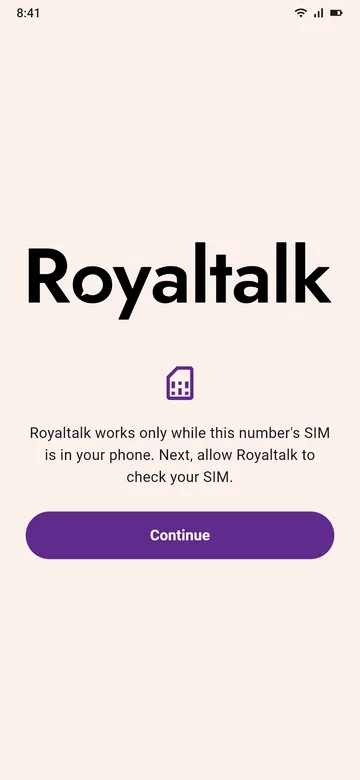
Royaltalk works only while the SIM of the number you verified is in your phone. Take it out, and the app waits until it's back.
Nothing is deleted while it waits.
10 / 13 · Back after a reinstall
Verify the same number and your connections come back. Each chat shows a calm line, like 'Meera set up Royaltalk again.' Your old chats stay on the old phone, because chats live on your phone, not on our server.
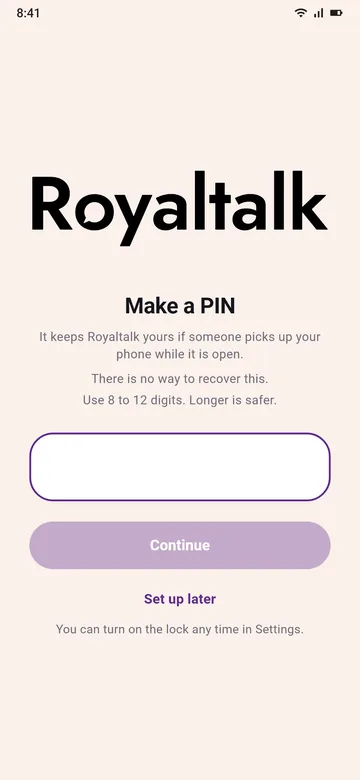
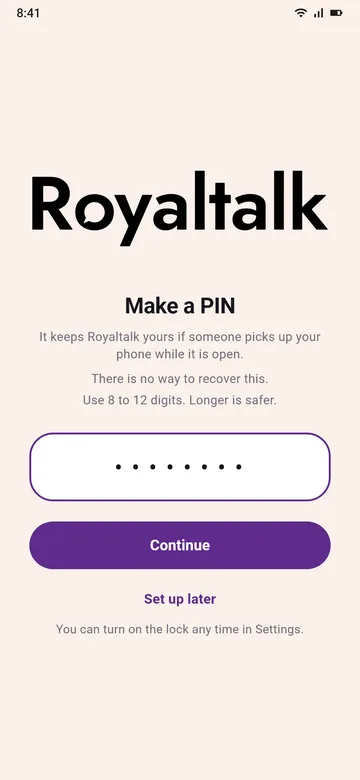
A PIN of 8 to 12 digits keeps your account yours, even if someone else gets your SIM.
11 / 13 · Name and About
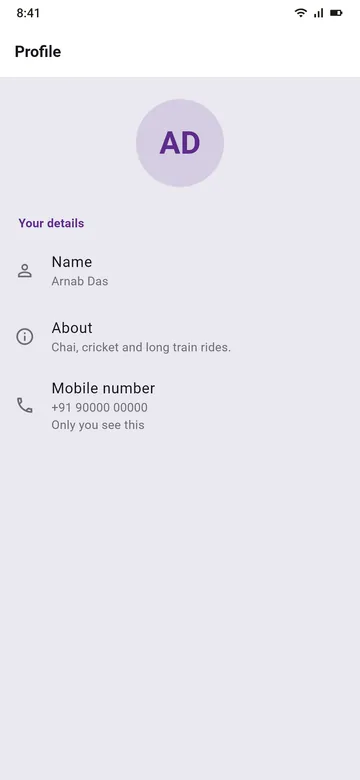
Set your name and one line About you. Change them any time in Settings.
Your About goes only to the people you're connected to, end-to-end encrypted. They see you by the name they saved for you.
12 / 13 · Always up to date
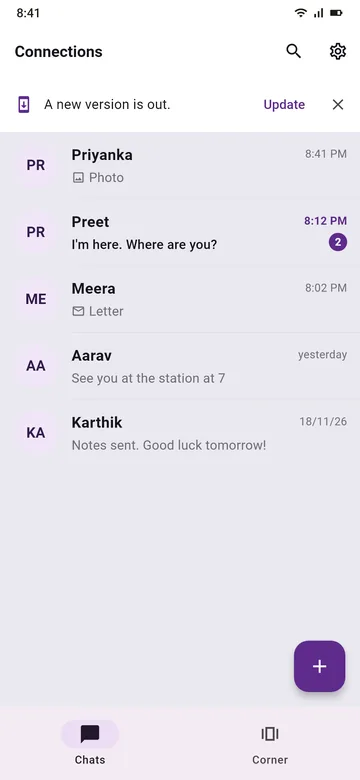
When a new version is out, a short line on your chats says so. Tap Update, and it opens royaltalk.in/get. Your chats stay on your phone.
Only download Royaltalk from royaltalk.in.
13 / 13 · Delete your account
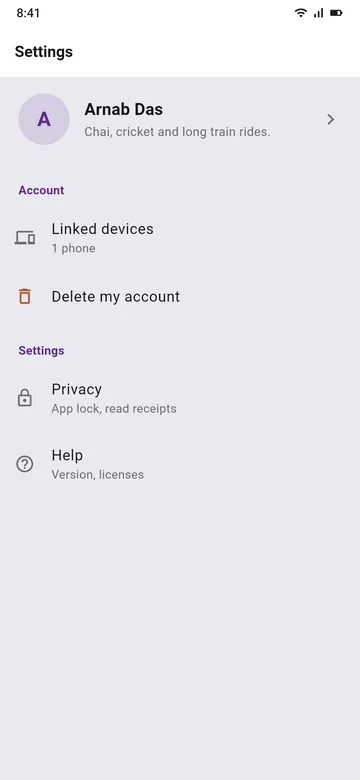
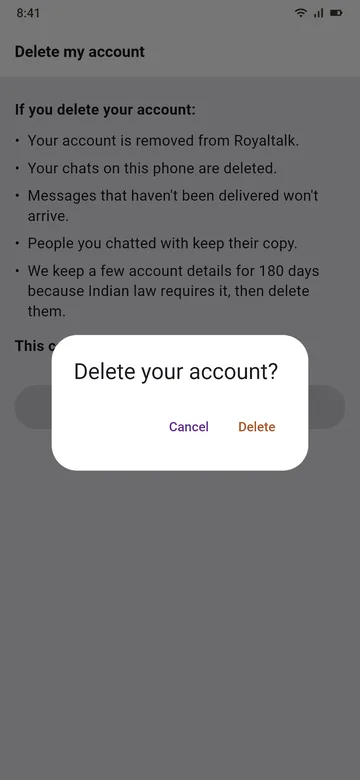
Settings, then Delete my account. Your account, your connections and the messages waiting on our server are deleted.
No app? You can ask by email: see Delete your account.
What's next
Coming soon. We're building this now. Eight things your chats are about to get.
Coming soon · Group chats
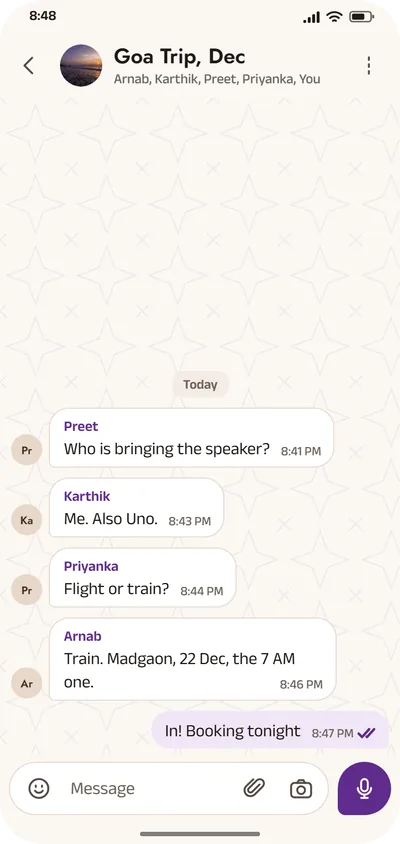
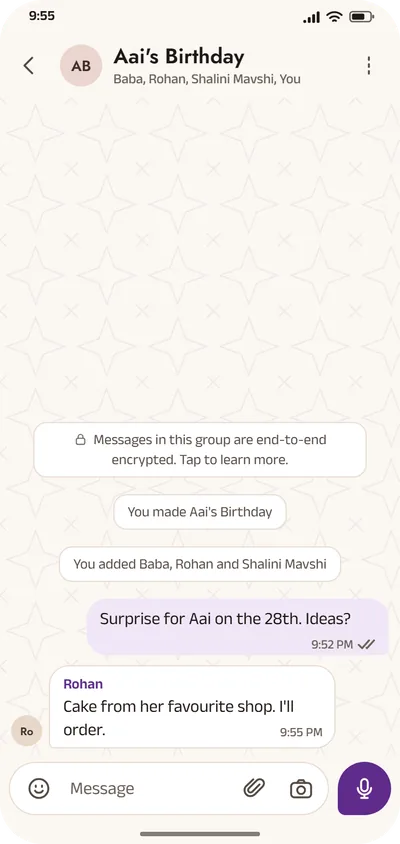
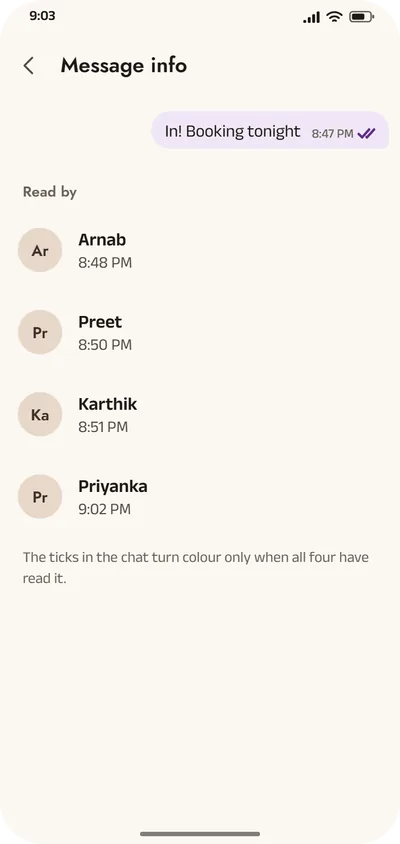
Group chats for up to 1024 people. Every message carries who sent it, and you can see who has read it.
End-to-end encrypted, like your one-to-one chats. How
Coming soon · Voice messages
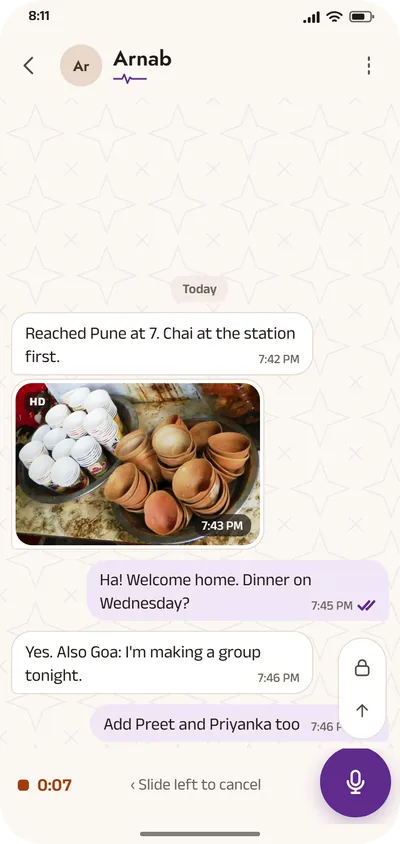
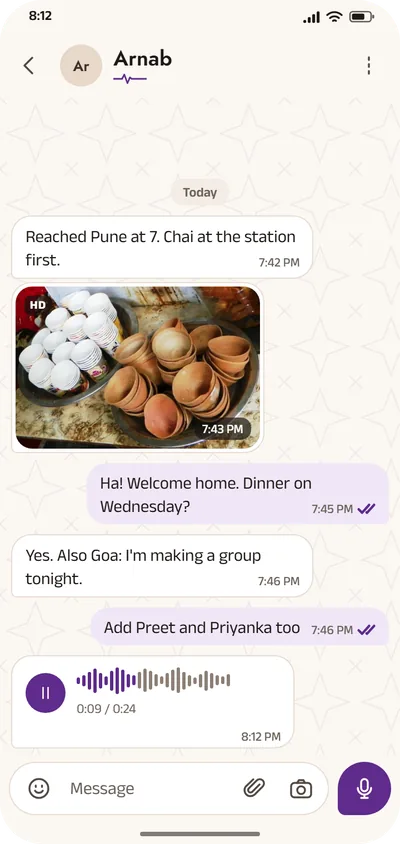
Hold the mic, say it, let go. Slide left to cancel. The wave fills in as they listen.
Your voice travels end-to-end encrypted, like every message.
Coming soon · Live location
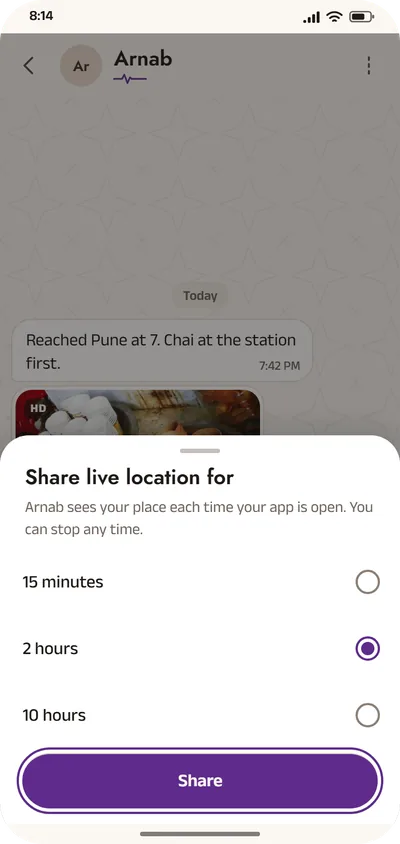
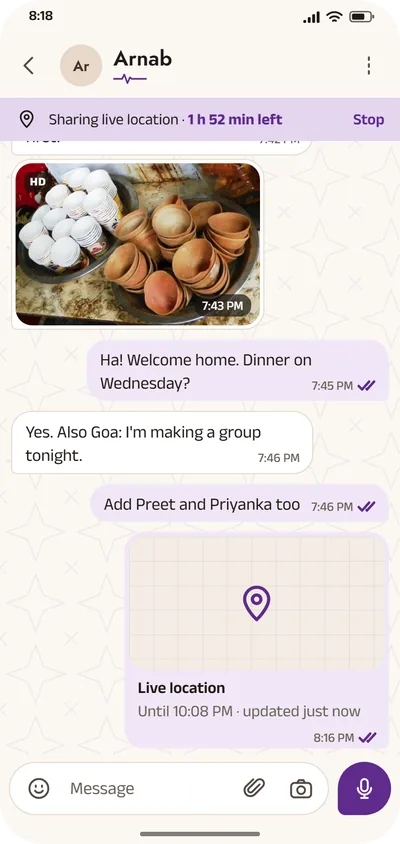
Share your live location for 15 minutes, 2 hours or 10 hours. When the time is up, it stops by itself, and you can stop it sooner.
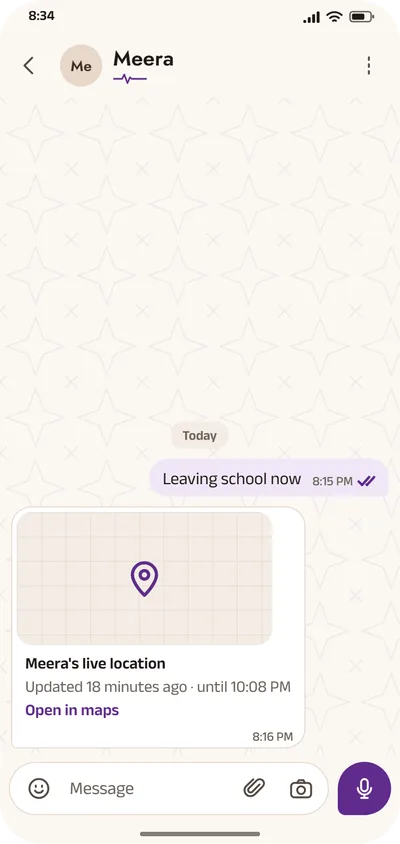
It updates whenever your app is open, and every pin says how fresh it is, like 'updated 2 min ago'.
Sent end-to-end encrypted, like a message. Our server never sees where you are.
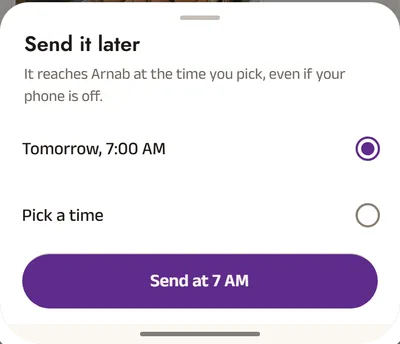
Coming soon · Scheduled messages
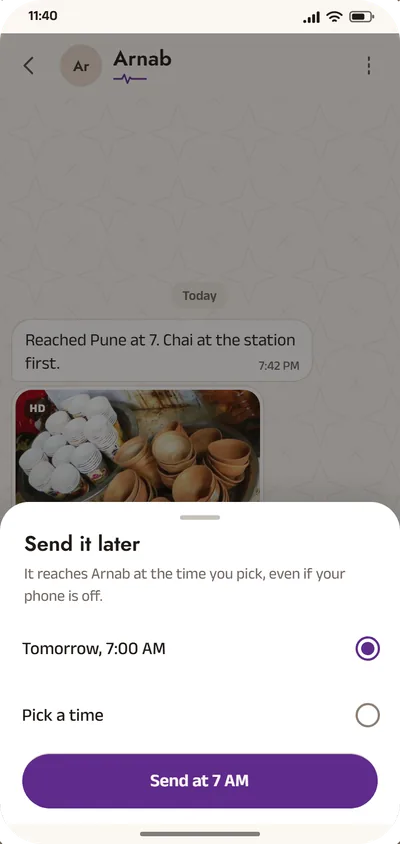
Pick the day and time, and the message goes then, even if your phone is off. Change your mind? Edit it or cancel it before it goes.
Our server holds it encrypted until then. It knows the time, never the words.
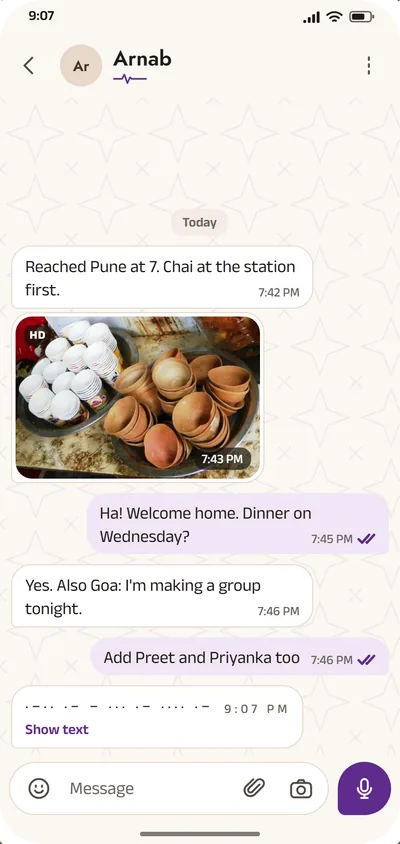
Coming soon · Morse
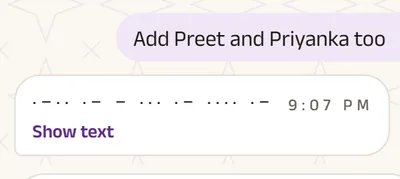
Type up to 80 English letters and they arrive as Morse code. Their phone taps it out as a vibration, and Show text turns it back into words.
A playful style for the two of you, not a way to hide things.
Coming soon · Voice and video calls
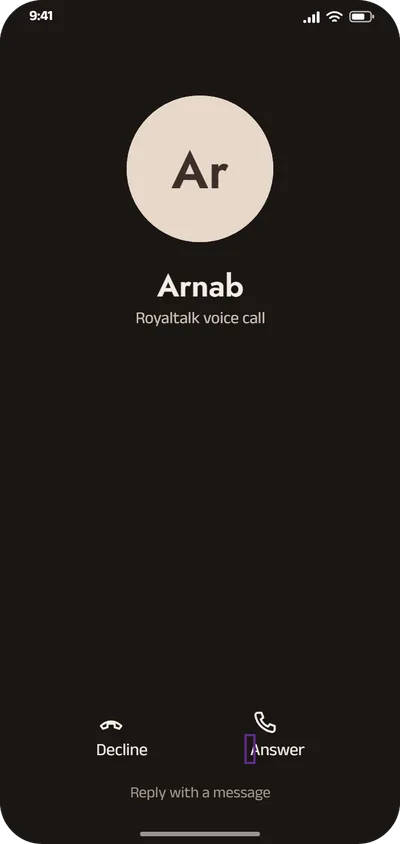
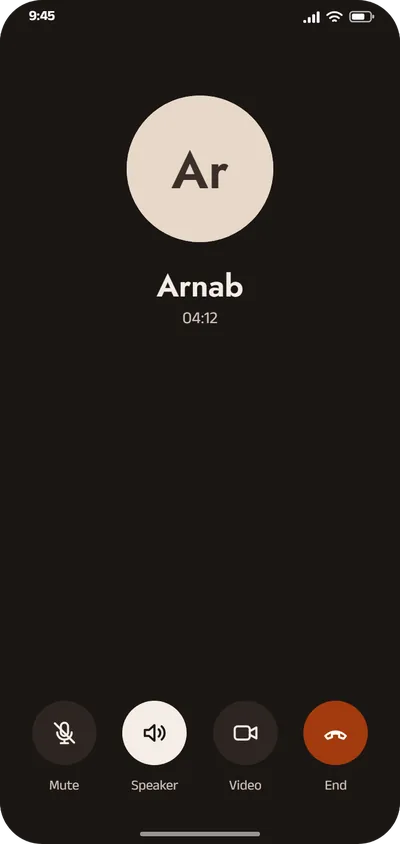
Call with voice, or turn on video when you want to be seen. Mute, speaker and the other camera sit where you expect them.
Calls will be end-to-end encrypted, like your messages.
Coming soon · Royal number and knocking
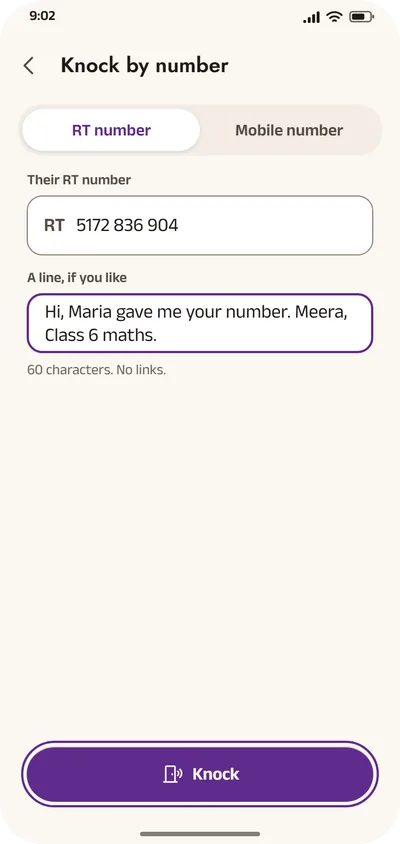
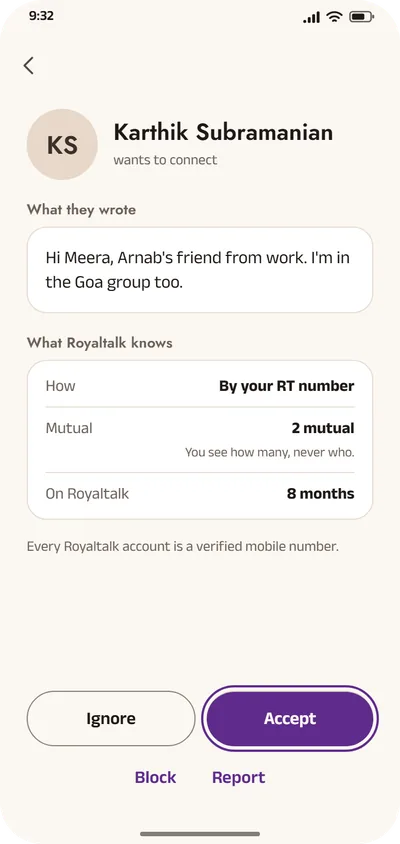
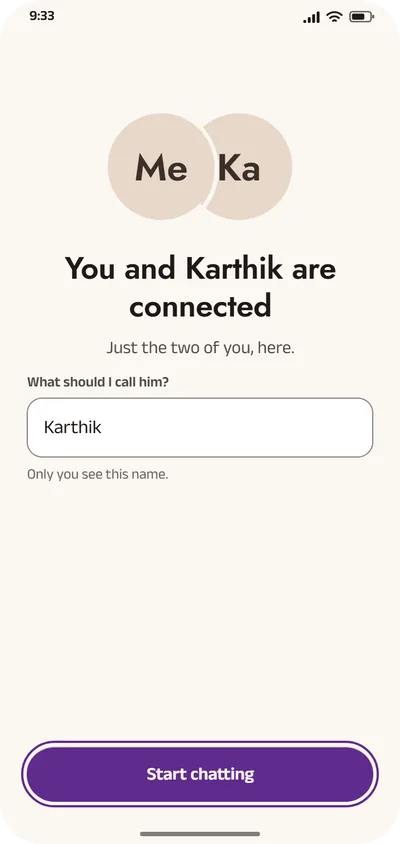
Give out your Royal number instead. Someone knocks, you see how they found you and how many friends you share, and you decide.
Nobody can chat with you until you accept. How it will work
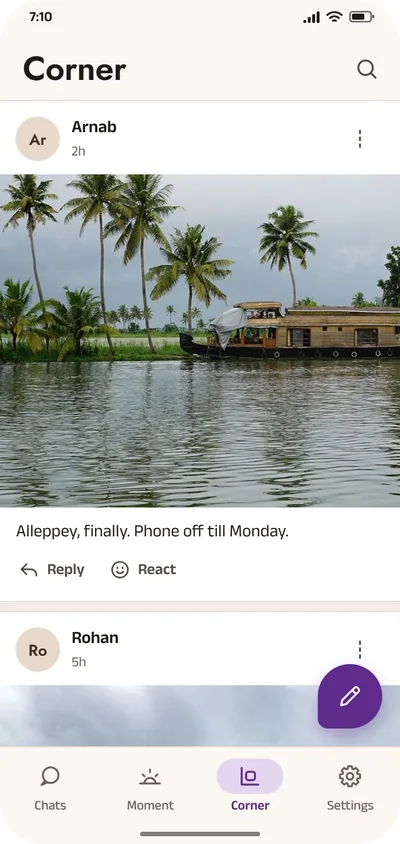
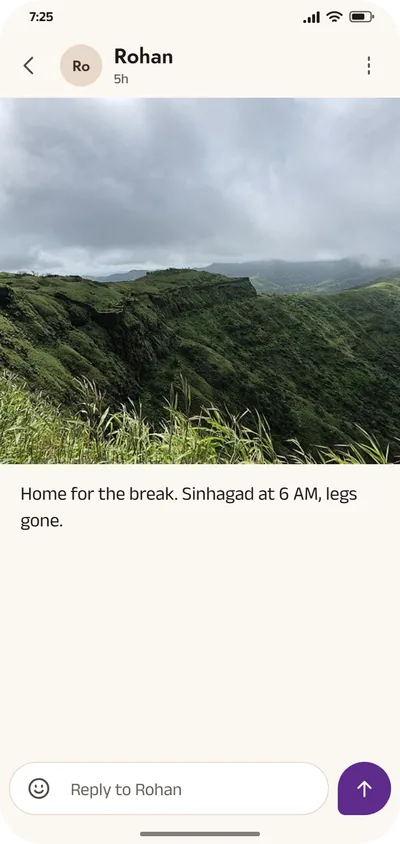
Opens 11 December · Corner
A photo and a line about your day, shared with the people you choose.
You pick who sees each post.

Free. Made in India. Two minutes to set up.
Coming to Google Play too.
Only download Royaltalk from royaltalk.in.